


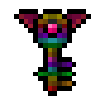
Frame Decoration
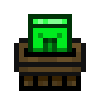
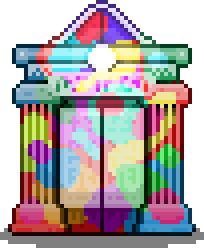
Attack Dog Frame Decoration
Group: Neutral
2 matching variants share this look
Collect. Roll. Create.
Collect Card Parts that can be rolled to create stackable gameplay buffs called MODS
Assemble your Card Parts into complete Cards which can be equipped to a Card Loadout.
Browse Card PartsThe required foundation of a card.
The outer frame. Add one to use gems.
An extra decorative layer.
The banner across the top.
The banner along the bottom.
The central artwork, including pets.
Add up to six gems to a framed card.
Start here
A part is a piece. A card brings the pieces together.
A Card Part belongs to a type, such as a Frame or Card Art. It has its own visual and a set of mods it can roll. Two variants can share one picture while offering different mods.
Rolling gives your copy a chance to gain a mod from its pool. A successful roll selects one mod with its own values. The catalogue shows what could appear; your in-game copy shows what you actually rolled.
Put the parts together to make a card. A Background is required; the other main layers are optional. Include a Frame to insert gems. Equip the assembled card in a loadout to activate its applicable mods.
You do not need matching colours to assemble a card. Mix parts to create the combination you want.
Finding your next parts
Look for Card Crates and Card Vaults as you explore. Crates can be broken open; locked vaults need a matching key.
Break Card Crates to collect Card Parts and other loot. No key is needed.
Keep the parts you want to use or roll, and inspect spare parts before scrapping them.
View this crateCarry the matching-colour Card Vault Key and strike the locked vault to open it.
Unlocking consumes one key. A key for a different colour will not unlock that vault.
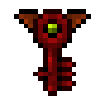
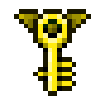
View this vault’s known dropsFind keys as loot or craft them with a Combine recipe. Select a key to see its recipe and known drop sources.
From a find to a useful card
Explore for crates and vaults that contain Card Parts. A vault needs a key. Some parts also come from starter supplies, the Ether Chest or recipes; check the acquisition details for each variant below.
Choose a rollable part, spend a Roll and check the result. Keep a mod that suits your build before assembling the card.
How rolling worksStart with a Background, choose the other layers you want and add up to six gems if you have included a Frame. Review the parts and their mods, then save the assembled card.
Equip the completed card in your character’s loadout to activate the mods that apply to it. Collecting a part or leaving an assembled card unequipped does not put its bonuses into use.
Read each mod’s target: a player effect and a pet effect are different benefits.
Roll for gameplay mods
Spend Rolls to give a Card Part a gameplay mod. The part determines which mods can appear; a successful roll gives your copy one result from its available pool.
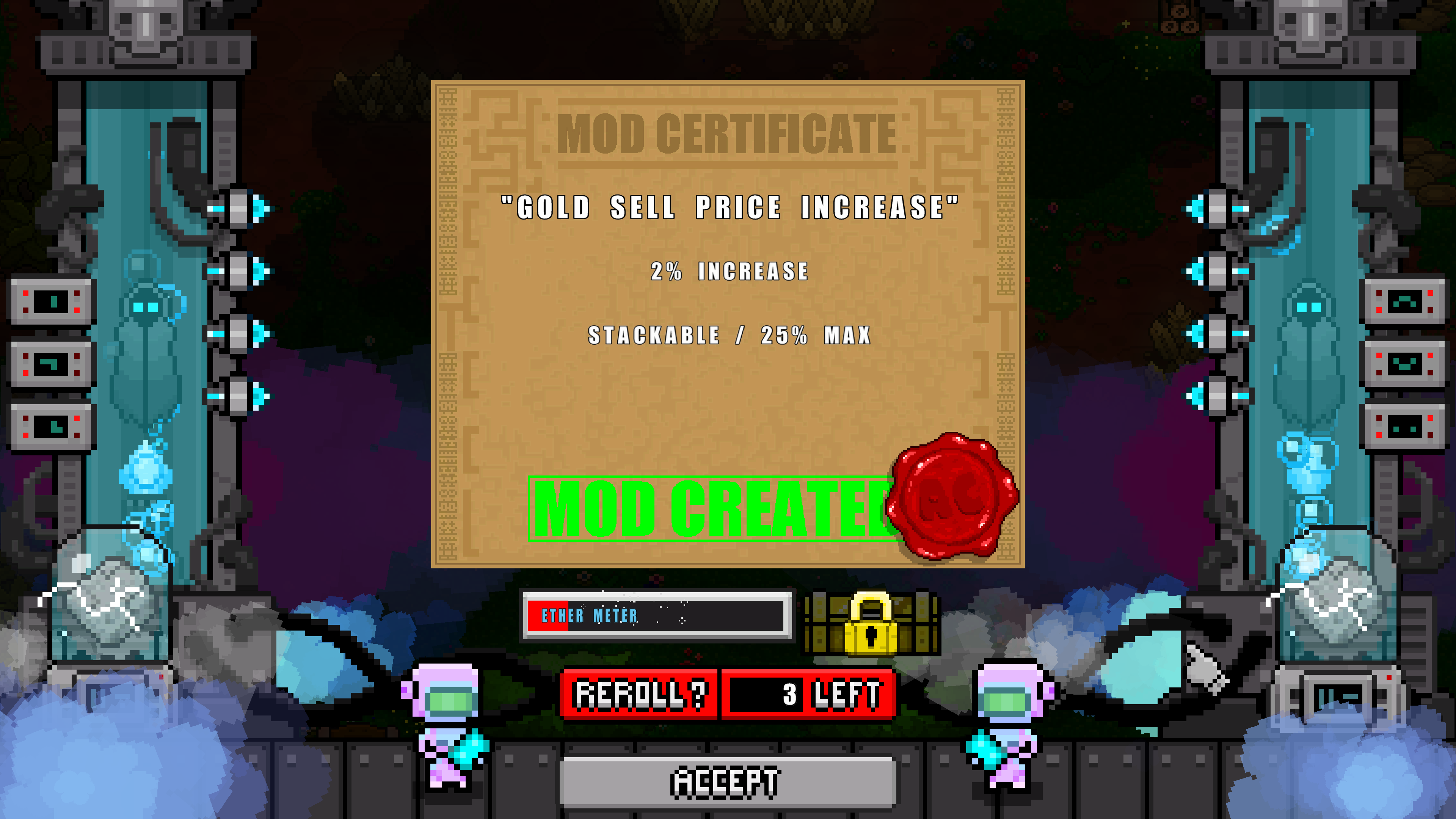
Each roll or reroll spends one Roll. Find Rolls through crate and enemy loot, or scrap an unwanted individual part. Standard parts cannot be rolled.
The 3 left shown in this example is the player’s remaining Rolls.
The Mod Certificate names the effect and shows its value. If it is stackable, check the maximum shown before combining it with other mods.
A part’s artwork stays the same when you roll it. Another copy with the same look can have a different mod.
Accept keeps the current result without spending another Roll. Choose Reroll to spend another Roll on a new result.
Rerolling replaces the previous mod. A failed roll leaves the part without a mod and adds to the Ether meter.
Progress from a failed roll
When a mod roll fails, your Ether meter increases. Fill it to unlock a choice of rewards in the Ether Chest. Choose one of the offered rewards; taking it resets the meter.
The reward choice and a part’s mod roll are different steps. Check which part variant you receive: sharing the same artwork does not guarantee the same possible mods.
Before you press Scrap
Take a card apart when you want to reuse useful components in another build. Scrap spare individual parts to fund more Rolls and gain gold. Inspect their mods first—even identical artwork can hide a result you want to keep.
The same parts and their rolled mods return to you, together with its gems and stored items. The card is removed from saved loadouts.
You recover the components; you are not exchanging each one for a new Roll.
Scrapping an unwanted individual part consumes that copy and its mod. You receive one Roll and an amount of gold. Standard parts cannot be scrapped this way.
Keep a part you want to use, especially if you like its current mod.
More than the picture
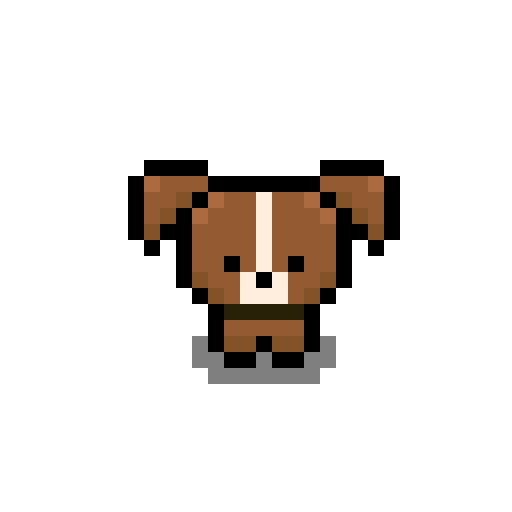
Card Art is the central artwork on a card. Some Card Art parts have a pet identity. Include one in your assembled card and save it to create that pet. Equip the pet card in your character’s loadout to use it.
The pet marker in the catalogue identifies these parts. Their possible mods are shown separately from the pet they bring to the card.
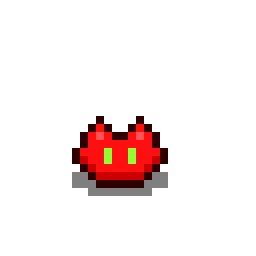
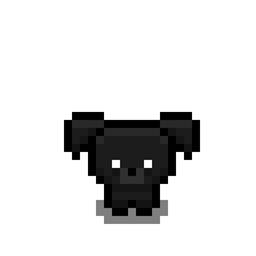
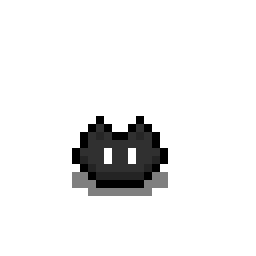
The parts directory
Compare appearances and their variants before deciding which parts to keep or roll.
One picture can belong to several part variants. Open each variant to see its own possible mods.
Colour groups follow the game’s Card Parts filter and can differ from the artwork or part name.
Frame Decoration
2 matching variants share this look
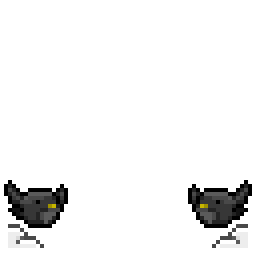
Frame Decoration
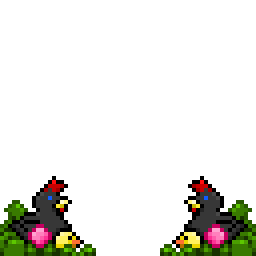
Frame Decoration
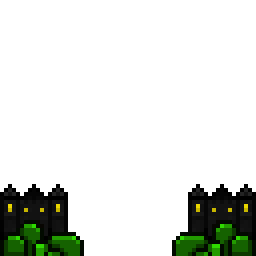
Frame Decoration
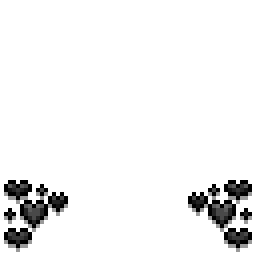
Frame Decoration
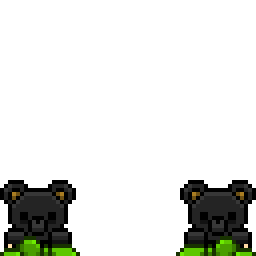
Frame Decoration
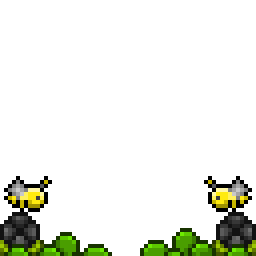
Frame Decoration
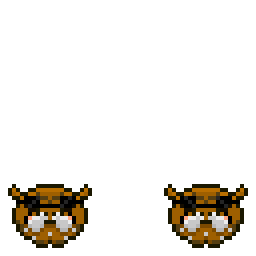
Frame Decoration
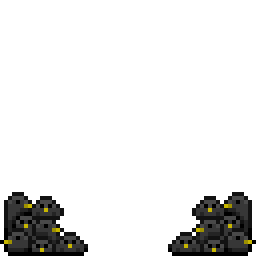
Frame Decoration
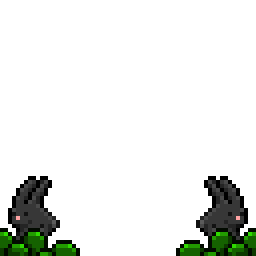
Frame Decoration
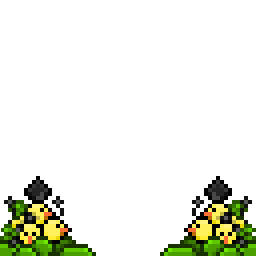
Frame Decoration
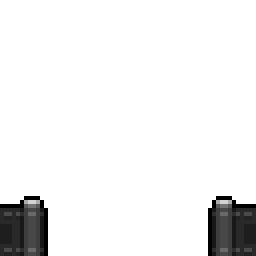
Frame Decoration

Frame Decoration
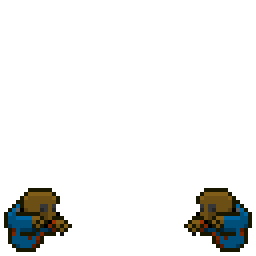
Frame Decoration
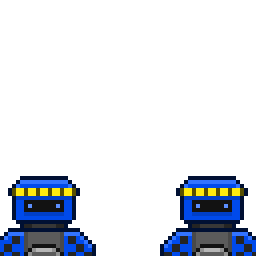
Frame Decoration
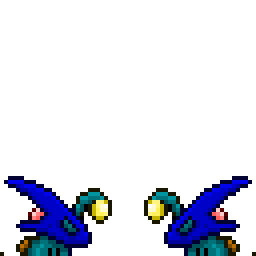
Frame Decoration
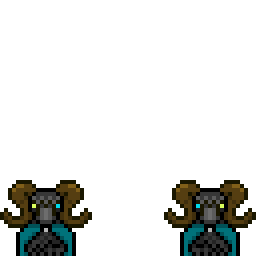
Frame Decoration
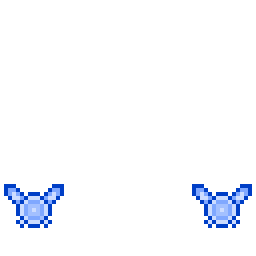
Frame Decoration
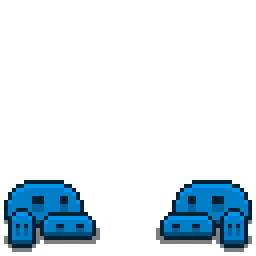
Frame Decoration
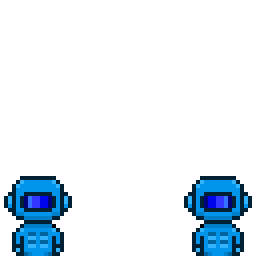
Frame Decoration
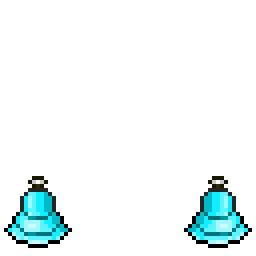
Frame Decoration
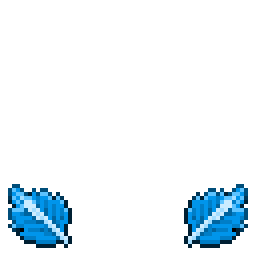
Frame Decoration
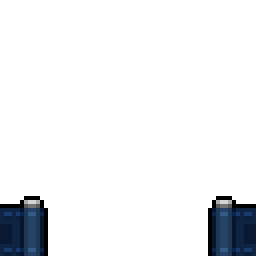
Frame Decoration

Frame Decoration
3 matching variants share this look
Card Parts snapshot: 16 October 2026. Verified world drops, Ether Chest rewards, standard parts and craftable gems. The listed mods are possibilities, not guaranteed rolls or measured drop rates.